


SwaRail XAPK
Centre for Railway Information Systems
- Version
- 2.1.66
- Size
- 119.6 MB
- Android
- 6.0+
- Category
- Travel & Local
Screenshots
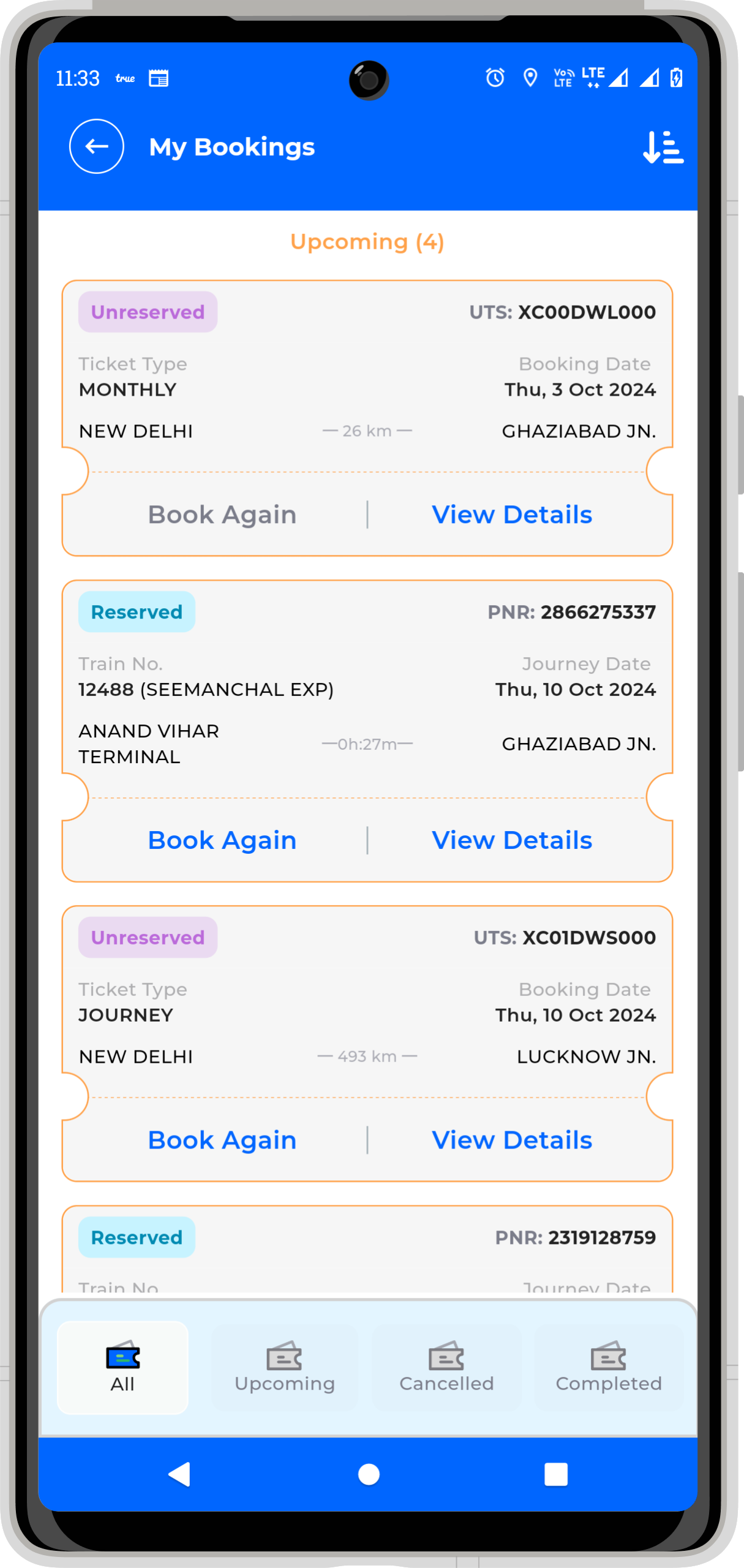
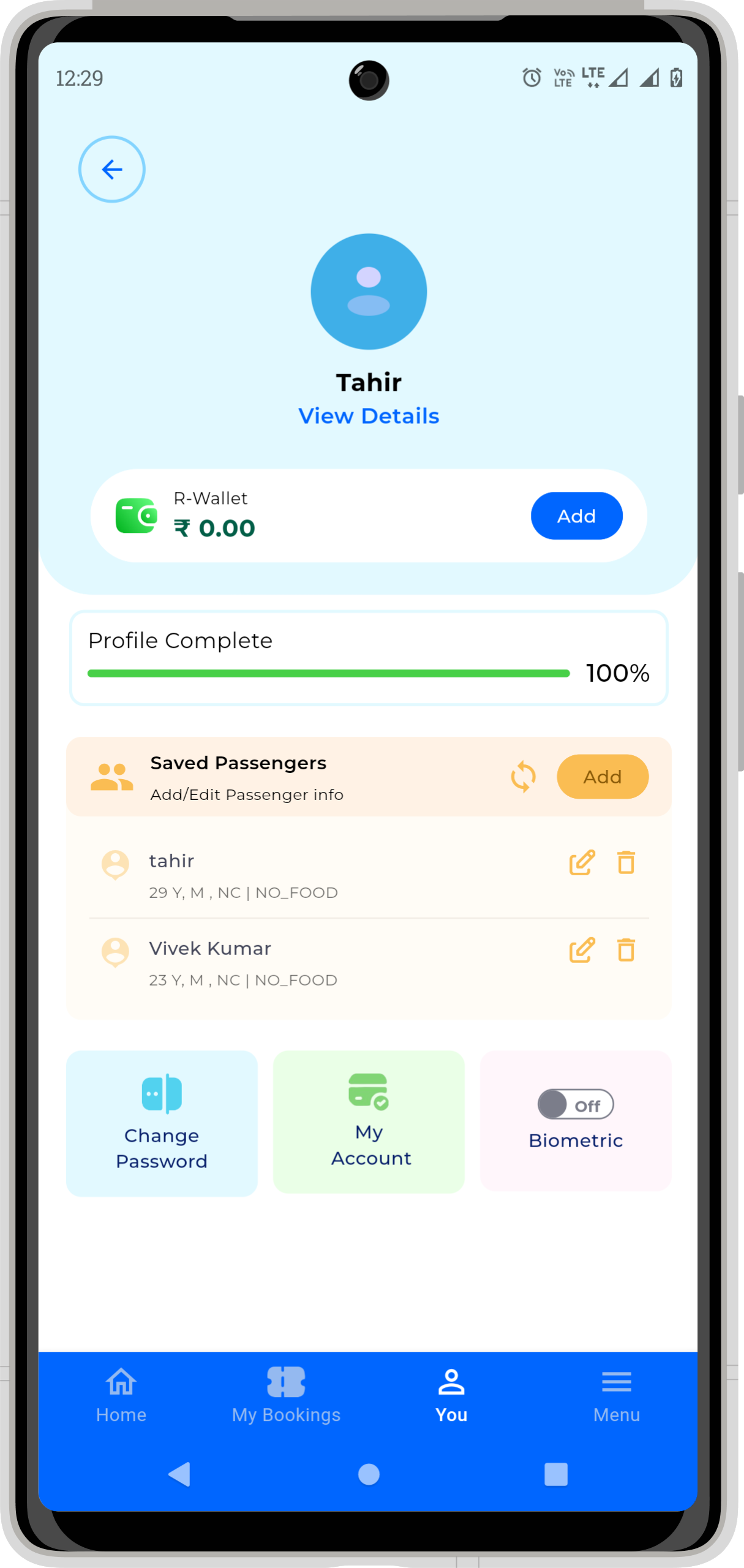
What's new
Version 2.1.66 is the newest build on APKBlade, updated 21 September 2026.
Your all-in-one app by Indian Railways for booking tickets, tracking trains, and planning trips effortlessly.
Discovering SwaRail APK for Android
Imagine having a magical tool that makes traveling on Indian Railways super easy and fun. That’s exactly what the SwaRail APK does! It’s like having a tiny assistant in your pocket that helps you with everything related to train journeys.
Whether you want to book tickets, check train timings, or even order food, SwaRail has got you covered. Let’s dive into this amazing app and see how it can make your train journeys smoother and more enjoyable.
What is SwaRail APK?
SwaRail APK is a special app created by Indian Railways. It’s designed to bring all the services you need for train travel into one simple app. Imagine not having to switch between different apps or websites to manage your train trips.
With SwaRail, everything is in one place, making it super convenient for you. You can plan your trips, book tickets, and even track your train’s progress in real-time. It’s like having a one-stop shop for all your railway needs!
Features of SwaRail APK
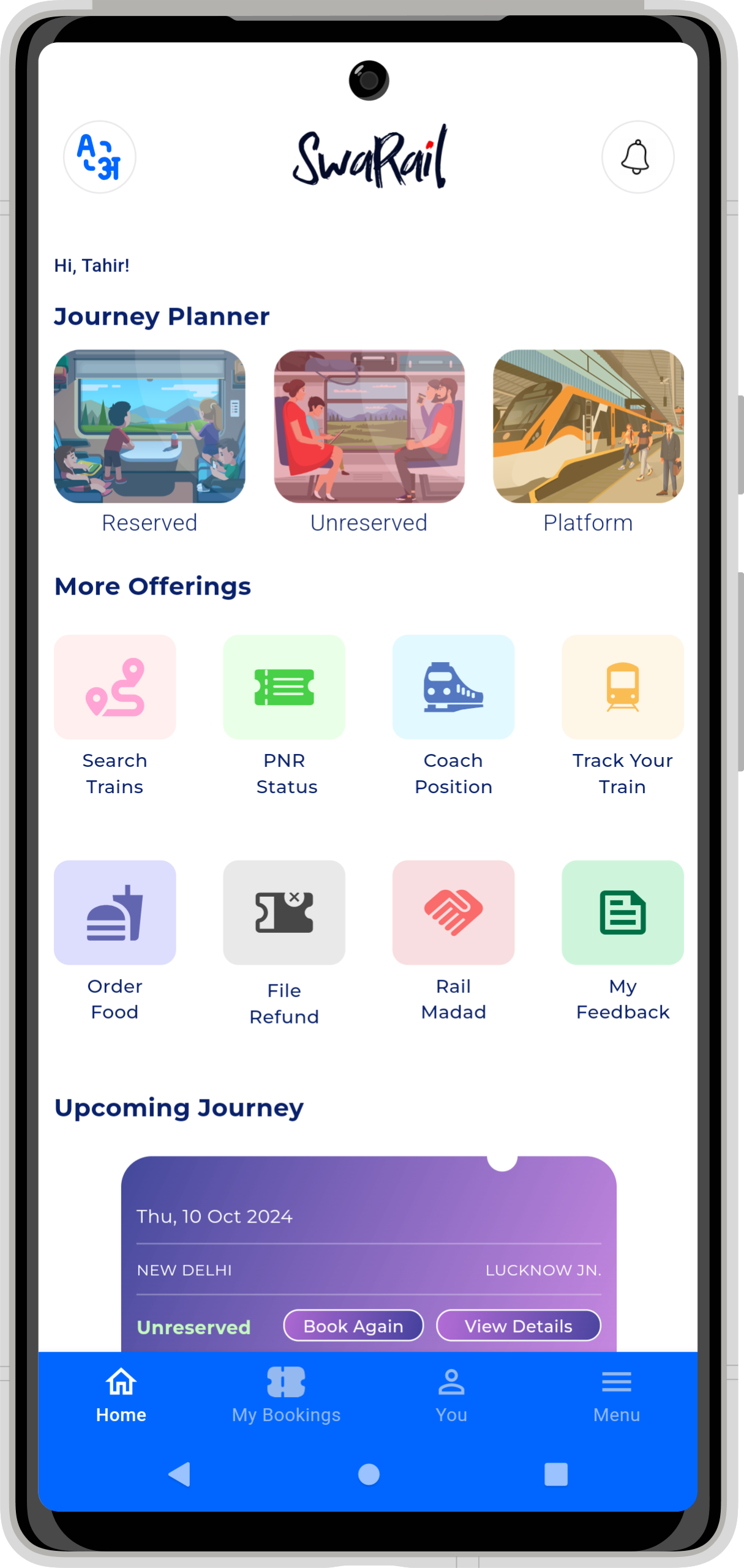
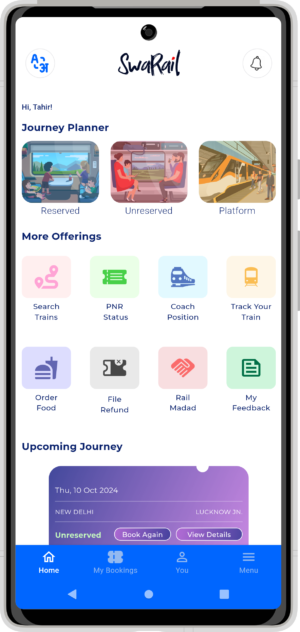
SwaRail APK is packed with features that make it a must-have for anyone traveling by train in India. Here are some of the cool things you can do with it:
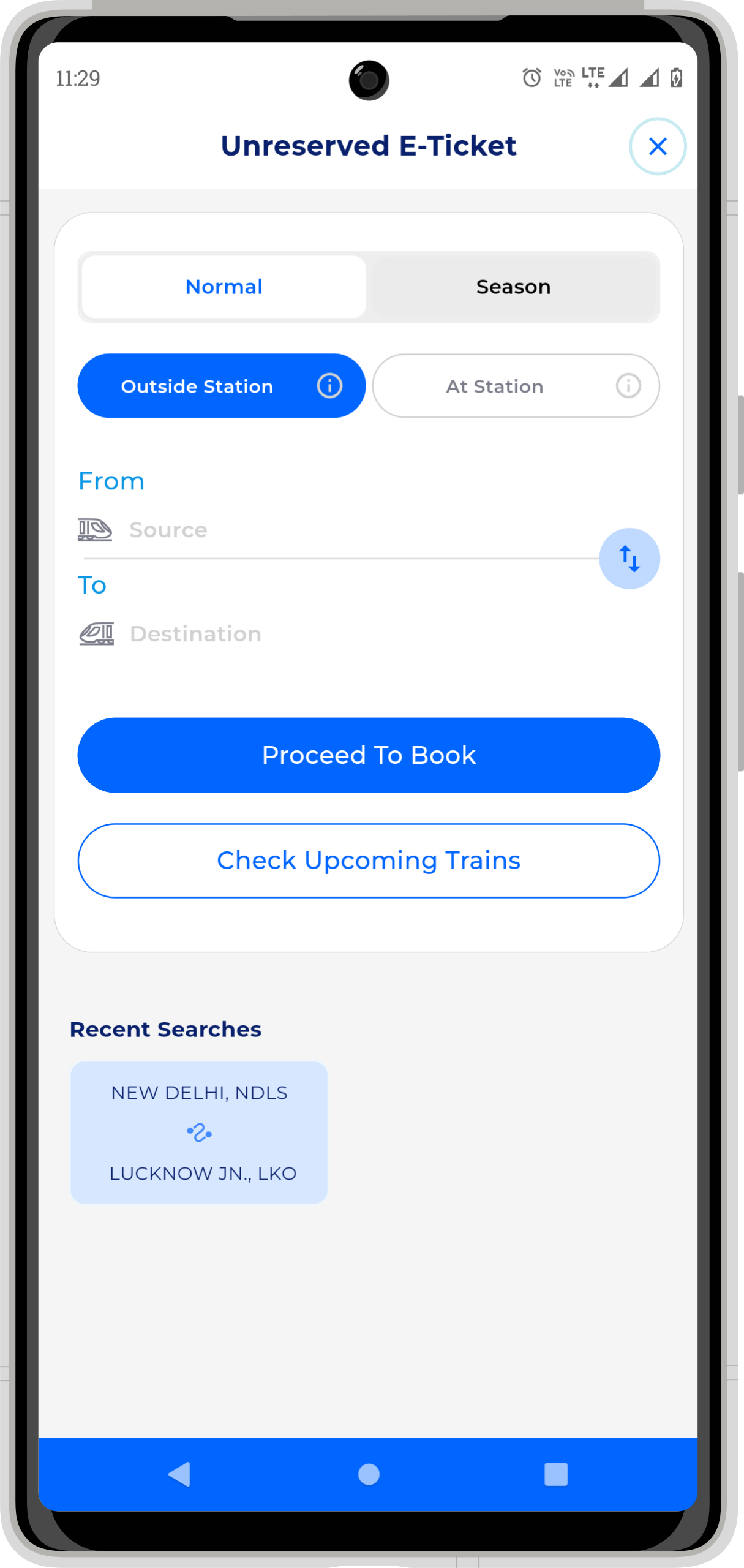
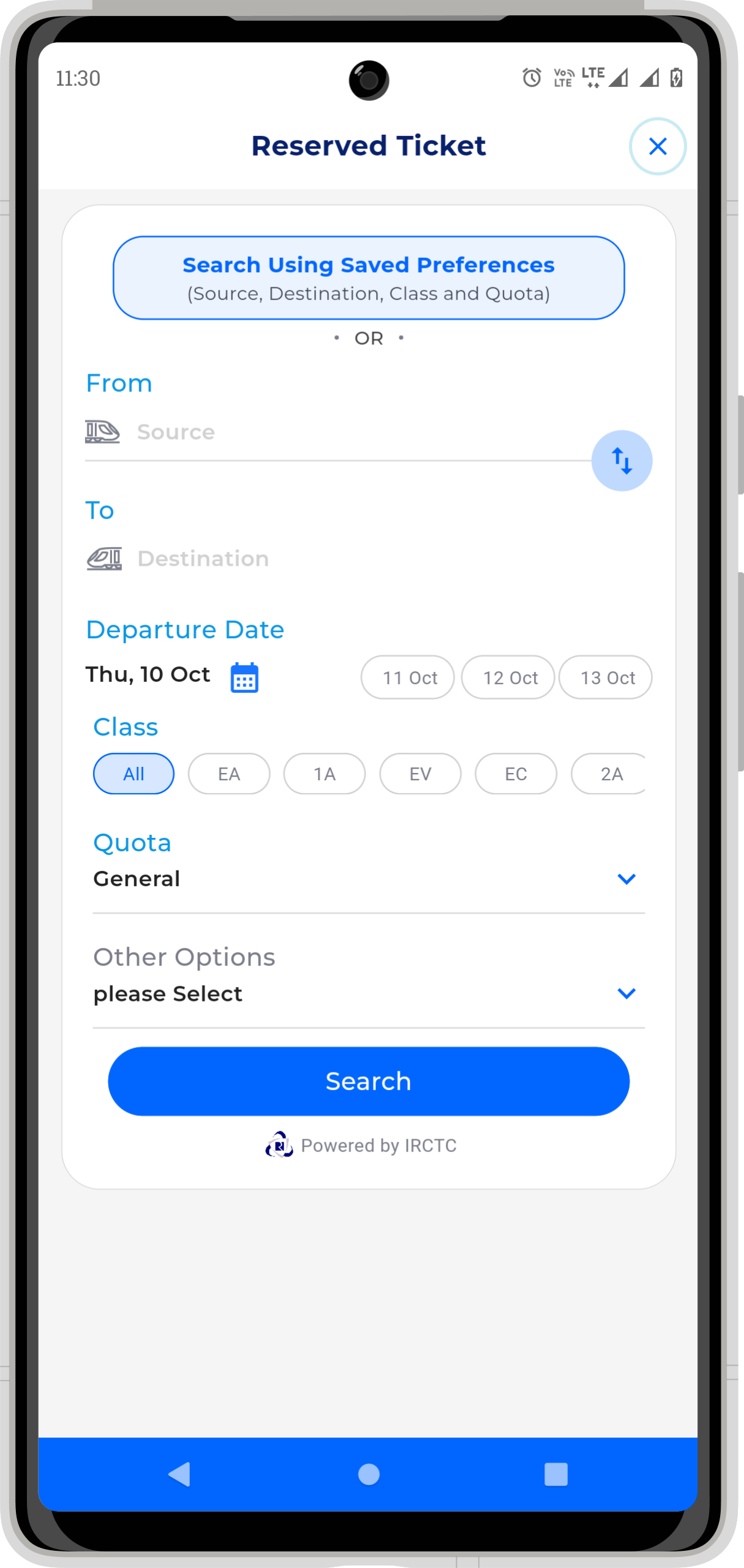
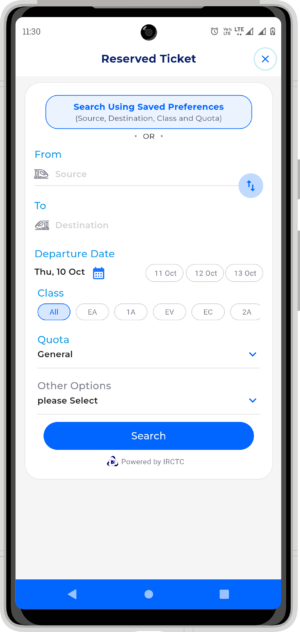
- Book Tickets: You can book both reserved and unreserved tickets with just a few taps. No more standing in long lines at the station!
- Real-Time Train Tracking: Wondering where your train is? SwaRail lets you track your train’s progress in real-time, so you’re always in the know.
- Order Food: Feeling hungry during your journey? You can order delicious food right from the app and have it delivered to your seat.
- Plan Your Trip: Whether you’re planning a short trip or a long journey, SwaRail helps you organize everything effortlessly.
How to Download SwaRail APK
Downloading the SwaRail APK is as easy as pie! You don’t need to visit any other websites to get it. Just follow these simple steps:
- Download the App: Click on the download button, and the app will automatically get downloaded to your mobile phone.
- Install the App: Once downloaded, open the app and follow the on-screen instructions to install it.
That’s it! In just a few clicks, you’ll have the SwaRail APK ready to use on your Android device.
Using SwaRail APK: A Quick Guide
Once you’ve downloaded the SwaRail APK, using it is a breeze. Here’s a quick guide to help you get started:
- Open the App: Tap on the SwaRail icon on your phone to open the app.
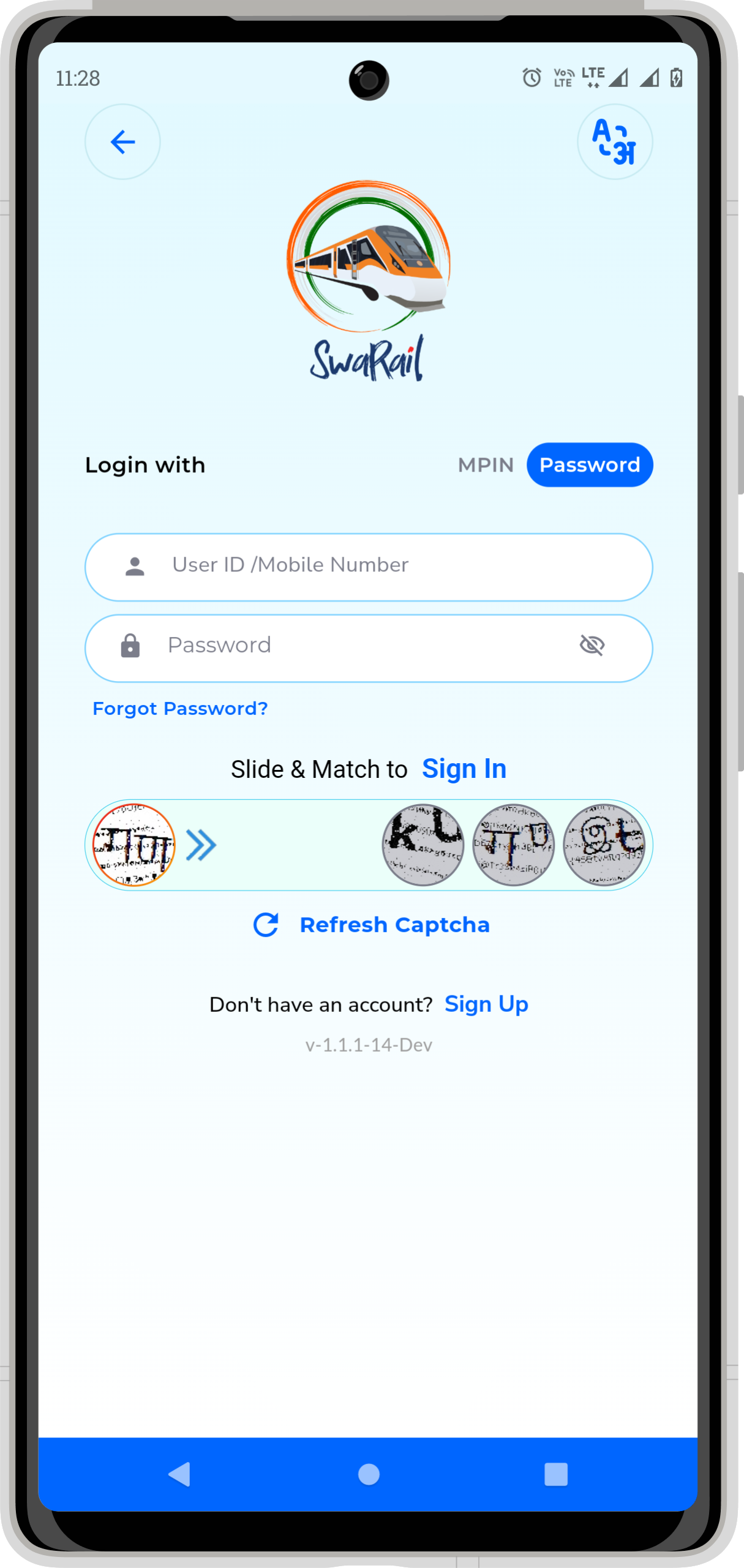
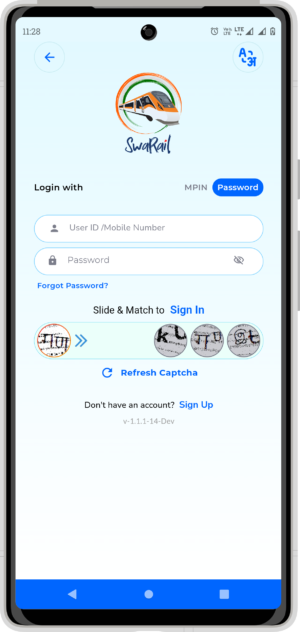
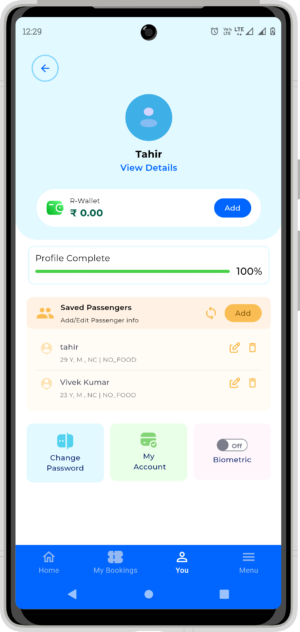
- Sign In: If you’re a new user, you’ll need to create an account. If you already have an account, just sign in.
- Explore the Features: Take a moment to explore all the features. You can book tickets, check train schedules, and more.
- Book a Ticket: To book a ticket, simply select your destination, choose your train, and make the payment. Your ticket will be ready in no time!
Why Choose SwaRail APK?
You might be wondering why you should choose SwaRail over other apps. Well, here are a few reasons:
- User-Friendly: SwaRail is designed to be super easy to use. Even if you’re not tech-savvy, you’ll find it simple to navigate.
- All-in-One Solution: No need to juggle multiple apps. SwaRail brings everything you need into one convenient platform.
- Reliable: Since it’s developed by Indian Railways, you can trust that the information is accurate and up-to-date.
Tips for Using SwaRail APK
To make the most out of SwaRail, here are some handy tips:
- Keep the App Updated: Always ensure you’re using the latest version of the app. This way, you’ll have access to all the new features and improvements.
- Check Train Status Before Leaving: Before heading to the station, check your train’s status to avoid any surprises.
- Use the Food Ordering Feature: If you’re on a long journey, take advantage of the food ordering feature to enjoy a meal on the go.
Frequently Asked Questions (FAQs)
How do I update the SwaRail APK?
To update the SwaRail APK, simply open the Playstore, search for SwaRail, and click on the update button if an update is available.
Can I use SwaRail APK offline?
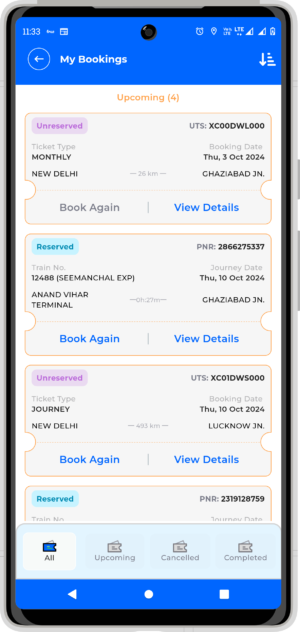
Some features of SwaRail, like checking your booked tickets, may work offline. However, for real-time updates and booking new tickets, you’ll need an internet connection.
Is SwaRail APK free to use?
Yes, SwaRail APK is free to download and use. However, you will need to pay for any tickets or services you book through the app.
What should I do if I face issues with the app?
If you encounter any problems while using SwaRail, you can reach out to the support team through the app’s help section for assistance.
Conclusion
SwaRail APK is truly a game-changer for anyone traveling by train in India. It’s like having a personal travel assistant that takes care of everything for you. From booking tickets to ordering food, SwaRail makes train travel easy and stress-free. So, why wait? Download the SwaRail APK today and experience the convenience for yourself!
More About SwaRail
| Name | SwaRail |
|---|---|
| Package Name | org.cris.aikyam |
| Category | Travel & Local |
| Version | 2.1.66 |
| Size | 119.6 MB |
| Requires Android | 6.0 and up |
| Developer | Centre for Railway Information Systems |
| Last Updated | 21 September 2026 |
How to Install SwaRail
- Tap the download button and let the file finish.
- Open the file from your notifications or the Downloads folder.
- If Android asks, allow your browser to install unknown apps.
- Tap Install, then open the app.
This download is a XAPK file. Follow the XAPK install guide.
FAQ'S
How to install SwaRail .xapk?
Simply download this XAPK Installer from Play store - Download. Open the XAPK Installer app & follow on screen instructions to install the XAPK.
I am getting Play Protect warning while installing!
Some mod APK files might get a warning. You can ignore this warning and install the APK file. Follow these simple steps to turn off Play Protect: Open Google Play app > Click Profile Icon > Select Play Protect -> Setting > Turn off both "Scan apps with Play Protect" and "Improve harmful app detection" options.
How to update APK without losing the data?
To update APK without losing the data, you don't need to follow anything extra. Click on the downloaded APK file and click the "Install" button. The app will update automatically without loss of data.
How to fix problems while installing/opening?
Make sure you have downloaded the file correctly. The downloaded file extension must end with .apk file. If you face any package install error, redownloading the file may fix the issue.


















Ratings and reviews
There are no reviews yet. Be the first one to write one.